
I’ve talked a lot about planners before (shout out to my planner peeps!). I even had that epic Planner Thunderdome about three years ago… which I guess wasn’t as successful as I thought it was at the time, since I only used that final planner for about six months before going back to a dot grid notebook that I’d just write stuff down in and never look at again. Sigh.
So even though I love the feel of a physical planner, I had to start entertaining the thought that maybe they’re just not for me? Or not for me right now, when I can’t seem to hold a thought in my head for more than OH LOOK A CHICKEN!
For four or five months now, I’ve been using the Artful Agenda. Now, I have to admit that I’d seen ads for this before, but when I looked at the videos I couldn’t get past all the pastels and the flowers and the idea that I don’t have nearly enough husbands and children to fit in with most of the people I’m guessing use this planner so I was guessing it wasn’t for me. But they had a free week of use, so I figured… why not?
The first thing I want to say is that it’s not as flowery as it looks like on the website. Like a physical planner, you can use colors and stickers to make it look like you want it. And there are dozens of “covers” to choose from!
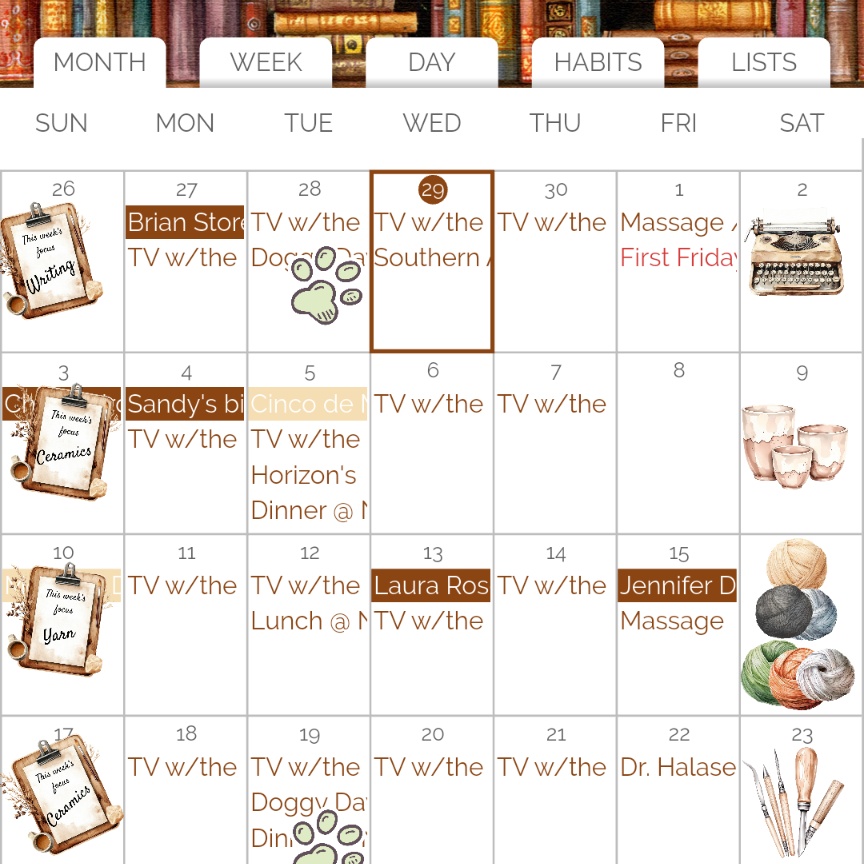
Below is my layout for next month. Yes, I like brown. I think if you click on that you’ll get a larger version of the picture? It’s hard to tell in draft form, as I’m writing this. If you don’t get a popup better picture, let me know and I’ll futz around with everything.

Anyway, as you can see, the month view is typical planner. You can suck in your Google calendar info (or Apple, or whatever e-cal you use) so that you can see all the events you have scheduled, and any other calendars you want to see like birthdays or whatnot.
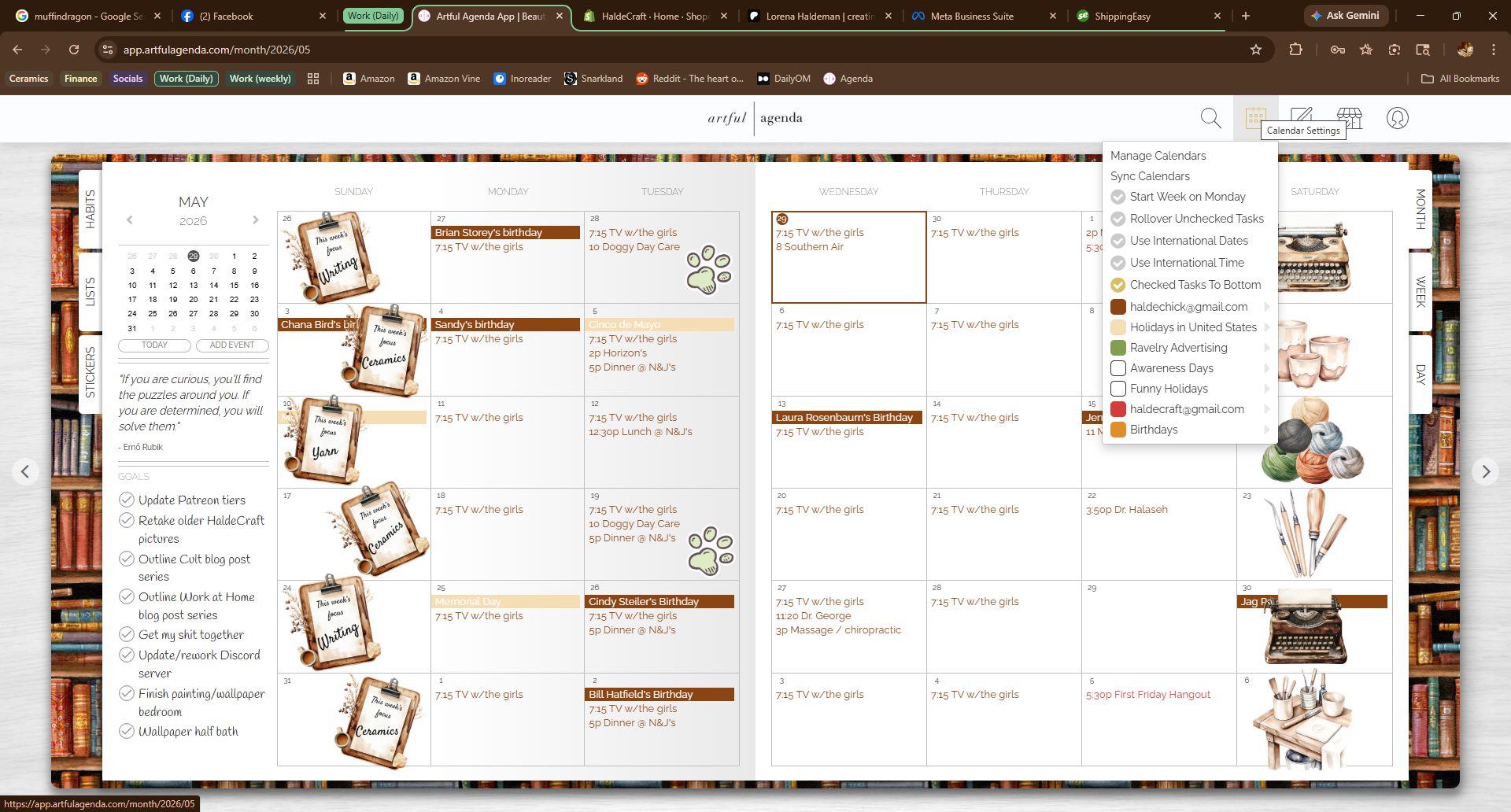
Here, in the top right, is where to toggle which of your calendars you’d like to see, and what color you’d like to make them.
Drilling down from month view, here’s the week view….
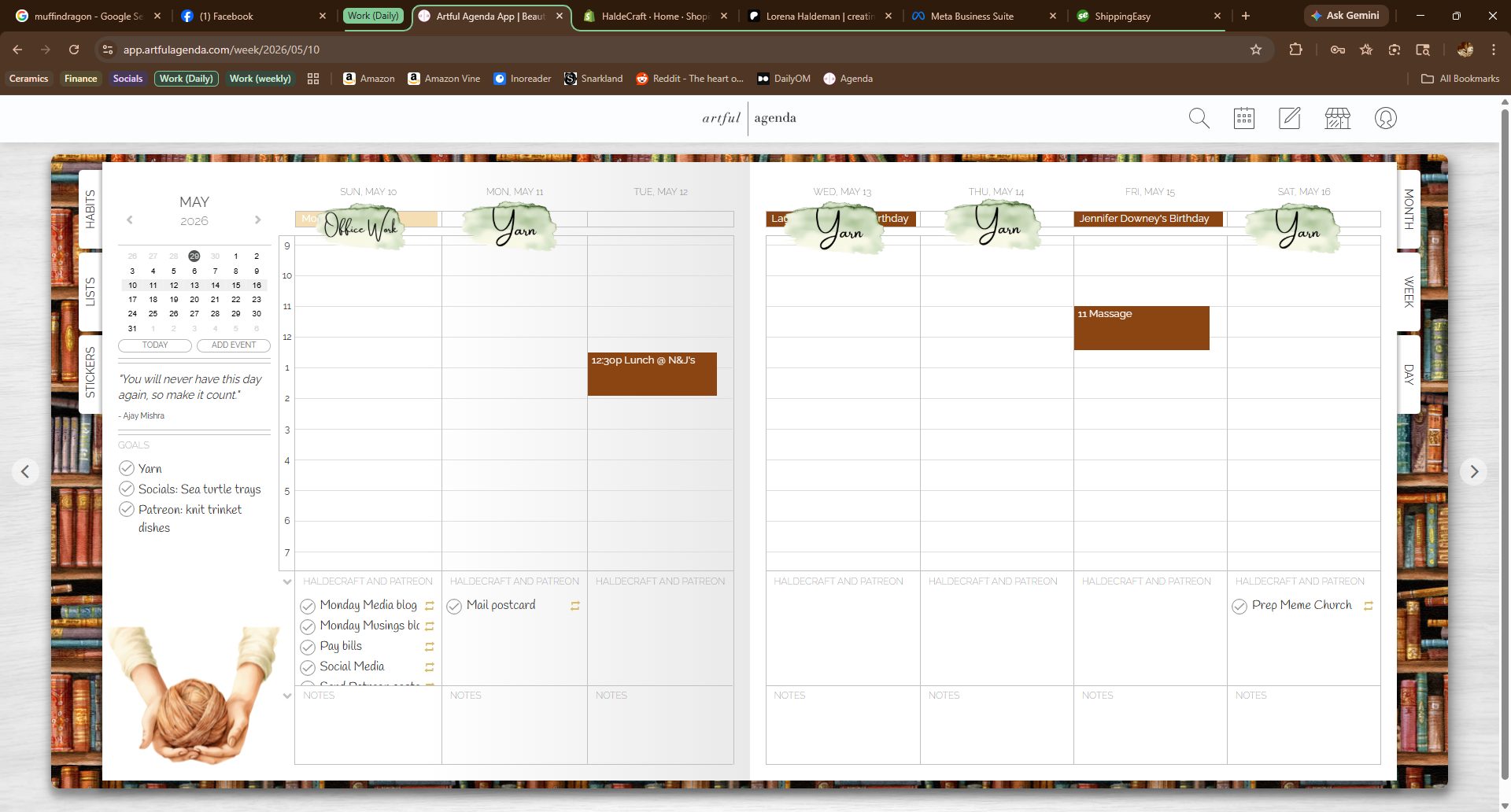
As you can see, again, pretty typical for a planner. I like my week to start on Sunday, but you can also toggle it to change it to a Monday start if that’s your thing. And the To-Do boxes will scroll depending on how much you have in them. You can also change the name of the To-Do list; more on that in a minute.

And here’s the day view. The line between the two sections I have called “HaldeCraft and Patreon” and “House, Home, Garden, and Personal” is adjustable up or down, to make one section smaller and one larger. None of the other blocks do that, but they are scrollable if you have a lot written there. Habits get ported in from the Habit tab and you can toggle it to show glasses of water drunk during the day, if that’s something you track.
I forgot to screenshot the Habit tab, probably because I’m not currently using it. Habits I want to “get good at” are kind of more nebulous things like “be kind today” and “remember to look at my planner” and “did I put on pants.” I have tried habit trackers before, but then I fall into this cycle of “but I do this thing – brushing teeth, whatever – every day already so now the new habit I seem to be working on is remembering to check off the habit tracker which if I don’t do I feel like did I even really do the THING if I didn’t check it off?” and that’s just a spiral I don’t need.
So anyway, my habit spot is blank, is what I’m saying.
Let’s talk about Lists!
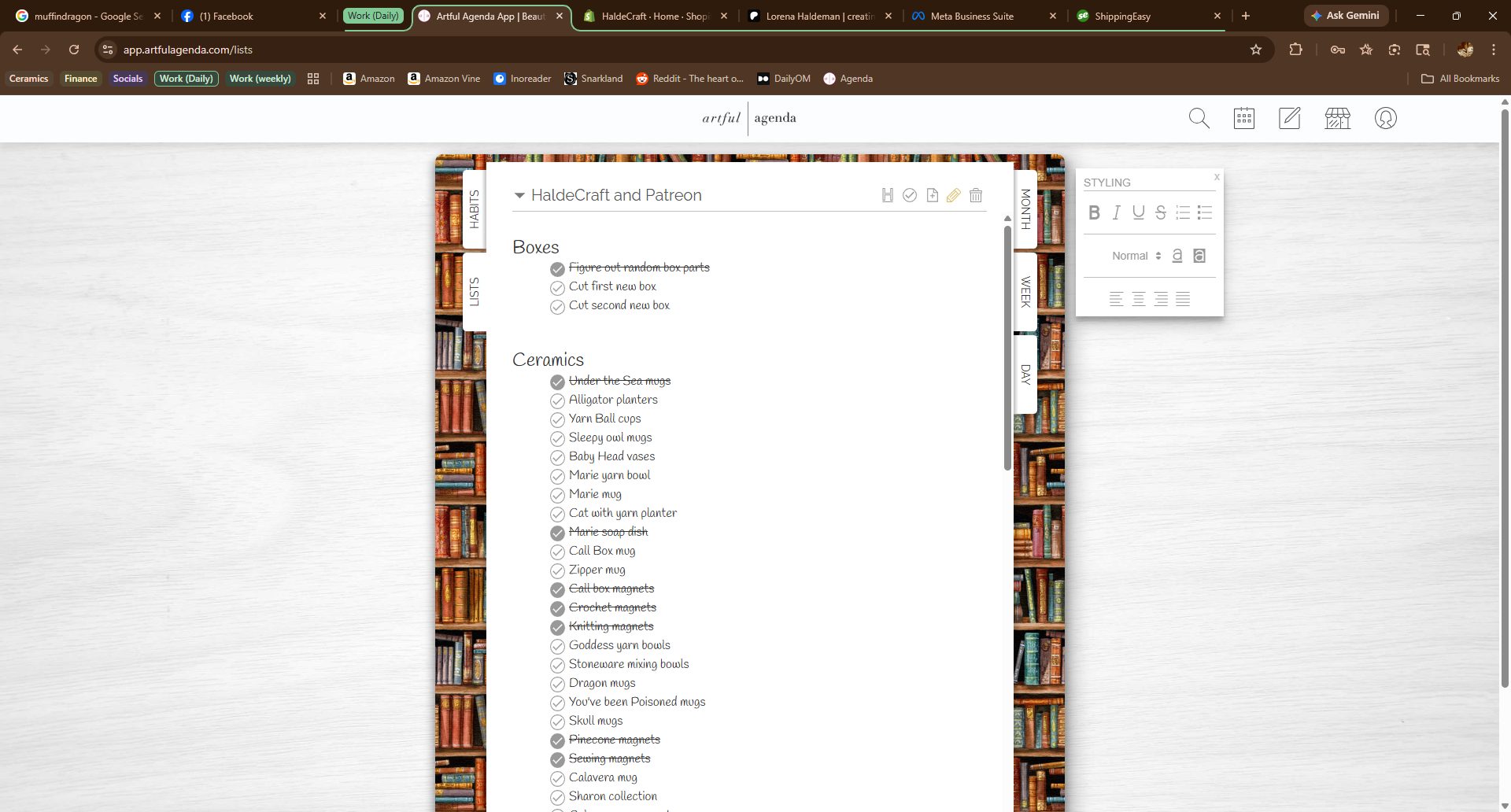
You can use lists a couple of different ways. Like this, a page with a checklist, or, like this but with porting your list of things to do to different days. If you hover over an item, it goes gray (sorry I forgot a screenshot) and you get a little trash can and a little arrow. If you click the arrow, it asks you what day you want to send that item to, and what category (monthly goals, weekly goals, or any of the named boxes on your day view). You can mark the item to rollover if you don’t do it that day. You can also set all of your items to rollover, always, but I will tell you from experience that if you have things you have scheduled to do every day (let’s say certain cleaning tasks) and you forget to mark that you’ve done them and you have everything set to rollover to a new day if you don’t mark it completed, THAT WAY LIES MADNESS. You will wind up with multiples and not know which was from which day and anyway then you have to mark it as done whether you actually did it or not because if you don’t, it’ll keep rolling to the next day FOREVER. Like that giant wheel of cheese in Z Nation that rolled across the country picking up more and more zombies as it went. Madness, I am telling you. MADNESS.
I have a lot of lists. Some are simple, like “books to read.” Some are both simple but repeating, like the list I made for Household Chores that have a section for Daily, Weekly, Monthly, Every So Often, and Once a Year. After I made my list, I decided what went when, assigned it to that day, and made all but the Daily and Weekly chores to rollover if I didn’t check them as done. Once you check the repeating task off the first time, it’ll be checked off on your list page, but will still show up wherever you have it set to repeat (if you do). I have most of my lists set to checklist (you can toggle that on or off) but you don’t have to make them all like that. Like, I have one that’s for blog ideas, but it’s really more of like an outline for a novel or a paper, not a checklist.

All the screenshots have been from my desktop, which is where I use this most. But above is what the day view looks like on my Pixel Tablet. The red dot is a key for “I can tell you something about this if you have questions”.
Oh – the rotating day quotes are already in there, you don’t have to come up with them yourself.
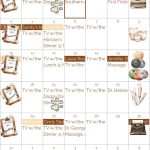
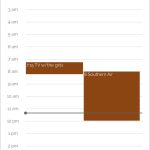

Above is what it looks like on my phone. There is also a phone widget but it’s pretty much exactly the same as the Google Calendar widget, so I just stuck with what was already on my phone.
Uh….. I guess that’s all I really wanted to say? They have a lot of tutorial videos that walk you through how to do everything, and like I mentioned above, they have a Facebook group and a group on Reddit. Do they call Reddit places groups? I’m still pretty new to Reddit. Anyway, they’re really responsive on both those places when you ask questions.
I’m genuinely surprised at how much I’ve been using this. I even made a bunch of personalized stickers, because my niche of a widowed dog-cat-tortoise owner who runs her own home-based craft business and is usually juggling three to five major things in a single day… is a pretty small niche. Not a lot of stickers available! So I’ve been using it steadily. I like that I don’t have to grab my physical planner if I’m leaving the house, on the off chance I might either have time to go over parts of it or add something to it while I’m out running errands or whatever I do out in the real world. I like that it’s on everything I have, everywhere. Out and about and a friend asks me when I’m going to restock a thing? Check to see if it’s on my restock list, and send it to the next date I’ll be home to work on it. Overall I’ve been a lot, lot happier with this than I ever expected to be. Not only did I gladly pay the yearly price for it because honestly I was paying at least that much a year in new physical planners that I’d only use for a few months before I got the itch to buy a different one. So far I haven’t had that itch, with this.